

makeslides.
Log in
Generate McKinsey-level
Slides in Minutes
MakeSlides builds professional, data-backed PowerPoint decks tailored for consultants.
Try MakeSlides Free
Watch Demo
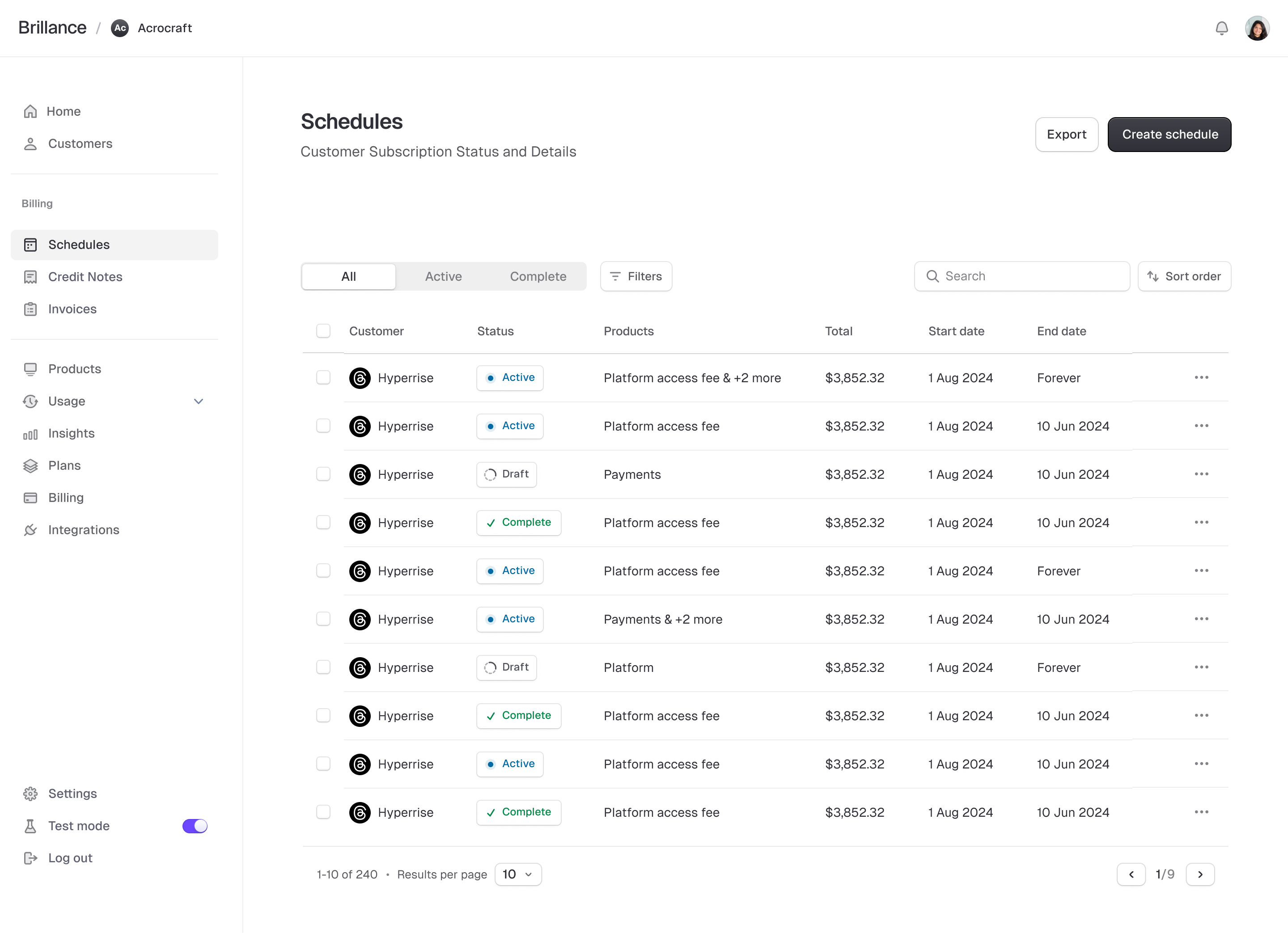
Schedules Dashboard - Customer Subscription Management
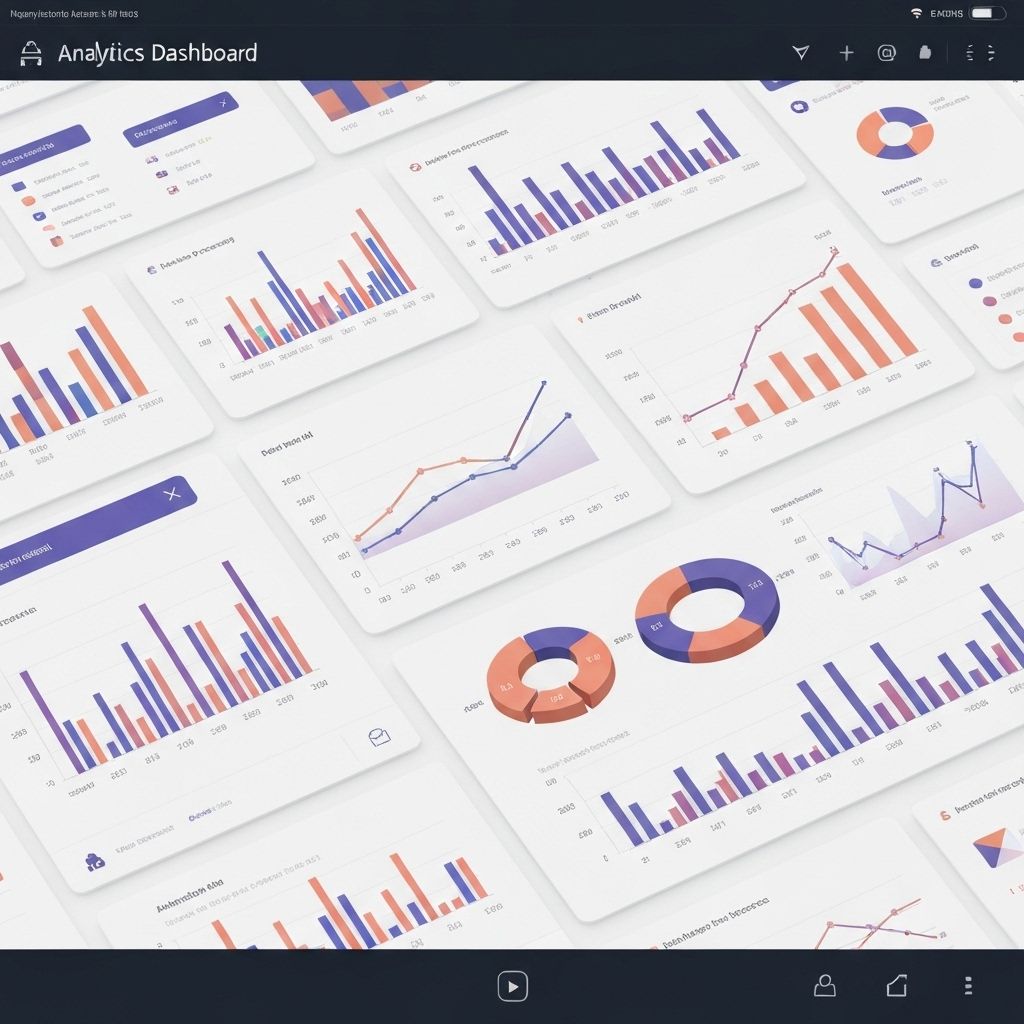
Analytics Dashboard
Data Visualization Dashboard
Professional Output
Strategy-grade slides aligned with MBB-style standards for immediate client use.
Data-Driven Insights
AI that references your data or industry benchmarks to build compelling narratives.
Editable in PowerPoint
Full .pptx export for immediate client use with complete editing flexibility.
Who It's For
Built for professionals who need precision
MakeSlides is designed for high-stakes environments where quality,speed, and accuracy are non-negotiable.

Consulting

Build client-ready decks with structured storylines, data-backed insights, and MBB-style formatting.

Investment Banking

Generate pitch books, deal summaries, and financial models with precision and speed for time-sensitive deals.

VC & Start-ups

Create investor decks, market analysis, and growth projections that tell a compelling story backed by data.

Features
Designed for speed, structure, and impact.
Professional output that meets the highest standards
with the speed your projects demand.

Speed

Auto-generate slides, summaries, and frameworks in minutes instead of hours.

Structure

Slide logic tree, structured storylines, and error-free charts every time.

Customization

Adjust tone, depth, and region-specific insights aligned to your templates, all in plain English.

b
GitHub
Slack
Figma
Discord
Notion
Stripe
Framer

Knowledge

Our AI gains context on 100% of your company's information you feed it and forgets no detail

How It Works
From idea to deck in 4 simple steps
MakeSlides handles the heavy lifting so you can focus
on strategy and insights, not formatting.

Describe your project
Tell us about your topic or project and what you want to communicate.
Choose a framework
Select from templates like Market Entry, Growth Strategy, or Due Diligence.
Upload data or link sources
Connect your data sources or upload files for AI-powered analysis.
AI generates your deck
Get a full deck with logic, insights, and design consistency in minutes.
Professional Expertise
Built on Real Consulting Work
Every template, framework, and output is grounded in proven consulting methodologies.
Ex-Consultant Templates illustration

Ex-Consultant Templates

Every template is designed by former consultants from top firms who understand what partners expect to see.

Trained on 500+ Real Decks illustration

Trained on 500+ Real Decks

Our AI model is trained on over 500 real-life consulting presentations from successful client engagements.

Comparison
Why MakeSlides?
See how MakeSlides compares to other AI slide builders
and the old-fashioned manual approach.
Feature
MakeSlides
Gamma
Microsoft Copilot
Manual PowerPoint
Output Quality
MBB-style, consultant-grade slides
Modern templates, not consultant-focused
Basic PowerPoint templates
Inconsistent formatting
Data Integration
Excel, Notion, Power BI, Google Sheets
Limited integrations
Microsoft ecosystem only
Manual copy-paste
Editability
Full .pptx export, edit anywhere
Proprietary format
PowerPoint native
Full control (but slow)
Time to Complete Deck
5-10 minutes
15-20 minutes
20-30 minutes
3-5 hours
Storyline Structure
Logic tree with MECE frameworks
Basic outlines
Bullet point suggestions
Depends on your skill
Industry Benchmarks
Built-in reference data
None
None
Manual research required
Frequently Asked Questions
Everything you need to know aboutMakeSlides and how it works.
MakeSlides uses advanced AI trained on consulting frameworks and industry best practices. The AI references your uploaded data and industry benchmarks to generate accurate, data-backed insights. All outputs are designed to be reviewed and refined by you before client delivery.
Yes. We use enterprise-grade encryption and comply with SOC 2 standards. Your data is never used to train our models, and you maintain full ownership. We offer private cloud deployment options for enterprise clients with additional security requirements.
Absolutely. Every deck is exported as a fully editable .pptx file. You can modify layouts, adjust colors, edit text, and customize any element in PowerPoint or Google Slides. The AI provides a professional starting point that you can tailor to your exact needs.
MakeSlides exports to PowerPoint (.pptx) format, which is compatible with Microsoft PowerPoint, Google Slides, and Apple Keynote. You can also upload data from Excel, CSV, Notion, Power BI, and Google Sheets to power your presentations.
MakeSlides reduces deck creation time by 80-90%. What typically takes 5-6 hours can be done in 30-45 minutes. The AI handles structure, formatting, and initial insights, allowing you to focus on strategy and refinement rather than formatting and layout.
Yes. Pro and Enterprise plans allow you to create custom frameworks, save your own templates, and set brand guidelines. The AI will learn your preferences and apply them consistently across all future decks.
Spend time thinking, not formatting.
Join 100+ consultants who've transformed their workflow.
Start creating professional decks in minutes, not hours.
Generate My First Deck
Brillance
Coding made effortless
Product
Features
Pricing
Integrations
Real-time Previews
Multi-Agent Coding
Company
About us
Our team
Careers
Brand
Contact
Resources
Terms of use
API Reference
Documentation
Community
Support